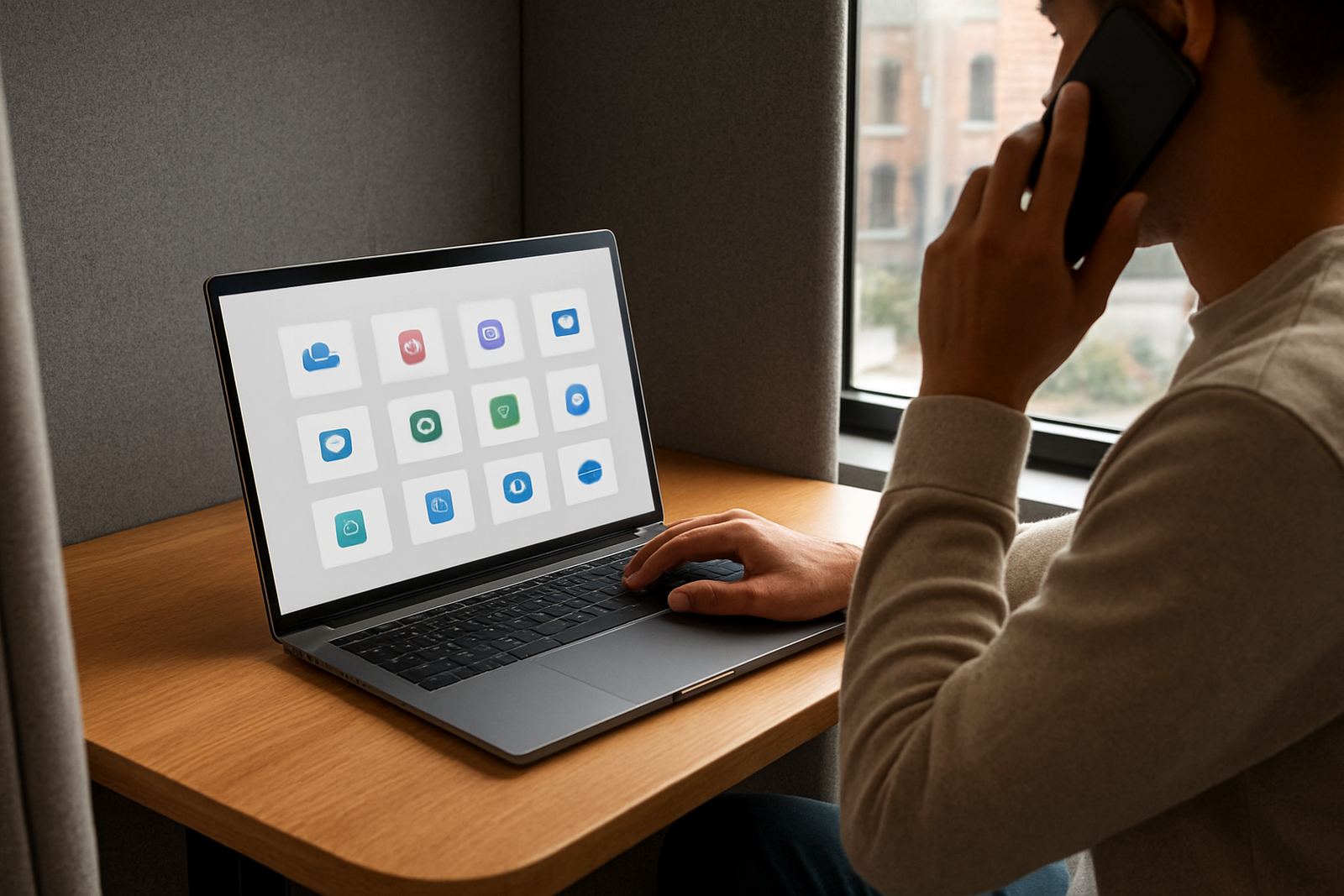


What Browser Autofill does for everyday logins
Browser Autofill stores approved login details in the 1Pass vault and fills them into supported browsers when a user needs to sign in. Instead of retyping usernames and passwords for accounting tools, CRM systems, supplier portals or cloud apps, the team can work quicker and with fewer mistakes. It is especially useful for businesses that manage several shared systems and do not want login details sitting in spreadsheets or WhatsApp chats.
The feature supports secure use on standard office laptops and remote work devices, including mixed teams that move between the office, client sites and home. Access stays tied to user permissions, so each person only sees the items they should use. That keeps onboarding simpler and reduces the risk of someone using the wrong account by accident.
- Works with approved browsers used for business logins
- Helps reduce typing errors on long passwords and complex usernames
- Keeps access tied to vault permissions and role based controls
- Useful for shared business platforms used daily by small teams
Browser and user options that suit small teams
Browser Autofill is offered as part of a setup that can be matched to your team size and access structure. A five person office in Woodstock will not need the same rollout as a 40 user company with staff in Johannesburg, Durban and remote support roles. We help map who needs access, which browser they use, and whether they need personal logins, shared team logins or both.
In practice, the main options are about control and convenience. Some teams only need autofill for a few approved staff members. Others need browser autofill across several departments with different permission levels. We can also build the vault structure around job role, branch, or function so the right logins are easy to find and hard to misuse.
- Single branch or multi branch access setup
- Personal vault items, shared vault items, or a mix of both
- Permission mapping by role, department or site
- Remote user access for staff working from home or on the road
Where Browser Autofill suits best
This product suits companies that rely on repeated logins every day and want a practical way to save time without lowering security. It works well for admin teams, finance staff, operations staff, sales teams and support counters that sign into several browser based systems. If your business has a lot of password resets, you will usually feel the benefit quite quickly.
It is also a good fit for businesses dealing with load-shedding, unstable connectivity or staff working between power outages. Once a secure login is stored correctly, the team does not need to keep asking for passwords after every device restart or browser update. That said, users still need reliable devices, updated browsers and sensible access rules, because browser autofill is only one part of proper account control.
- Offices with shared devices or rotating staff
- Teams using cloud software and browser based portals
- Businesses with remote workers across South Africa
- Companies needing faster access without weaker password habits
Installation and setup requirements
Browser Autofill does not need plumbing, gas or any site works. It is a software setup that runs through your approved browsers, user accounts and vault structure. For most businesses, the main requirements are compatible devices, a current browser version, admin access for rollout and a clear list of who needs access to which accounts.
Our team assists with initial security review, platform setup, SSO configuration where needed, password migration and user onboarding training. For larger rollouts, we also help with remote deployment so staff in Cape Town, Pretoria or Gqeberha can be set up without waiting for an in person visit. If your business has strict municipal or client compliance rules, we can align the access process to your internal controls and offboarding steps.
- Supported on approved modern browsers
- No physical installation hardware required
- Needs secure admin setup and user enrolment
- Can be rolled out remotely nationwide
Care, servicing and day to day support
There is no physical servicing schedule like there would be for equipment, but Browser Autofill does benefit from regular account checks. Passwords should be reviewed when staff change roles, leave the business or gain new responsibilities. Browser updates, device changes and security policy changes should also be tracked so autofill keeps working as expected. A small admin oversight can cause delays, so it helps to keep the vault tidy.
We support quarterly access reviews, offboarding process design and ongoing team support. If a user cannot see an item, autofill stops working or a shared login needs to be reissued, our support team can help sort it out. For businesses with staff spread across several branches, that kind of follow up keeps the system practical rather than becoming another admin job.
- Quarterly access reviews for cleaner permissions
- Offboarding support when staff leave or change roles
- Ongoing help for login access and browser issues
- Training for admins and end users
What to check before you order
Before you request Browser Autofill, it helps to confirm the browsers your team uses, the number of users, and whether you need shared access or individual vault items. You should also list the applications that need autofill, because some systems require special handling for usernames, multi step sign in or extra approval steps. A clear scope makes rollout faster and avoids confusion later.
It is also worth checking your internal rules around access, especially if you handle customer data, financial records or sensitive files. If a staff member uses a personal laptop, a borrowed machine or a shared device, the setup should be reviewed carefully. Good planning at the start saves time later and prevents people from working around the system in a way that weakens security.
- Number of users and branches involved
- Browsers and devices in use
- Which apps need autofill support
- Whether you need onboarding training, admin training or both
Key facts
| Product type | Secure browser autofill for business logins |
|---|---|
| Best for | Small business teams using approved browsers |
| User structure | Personal vaults, shared vaults, role based access |
| Rollout | Remote onboarding available nationwide |
| Support areas | Woodstock, Johannesburg, Pretoria, Durban, Gqeberha, Stellenbosch, Century City |
| Service options | Setup, migration, training, access reviews and ongoing support |