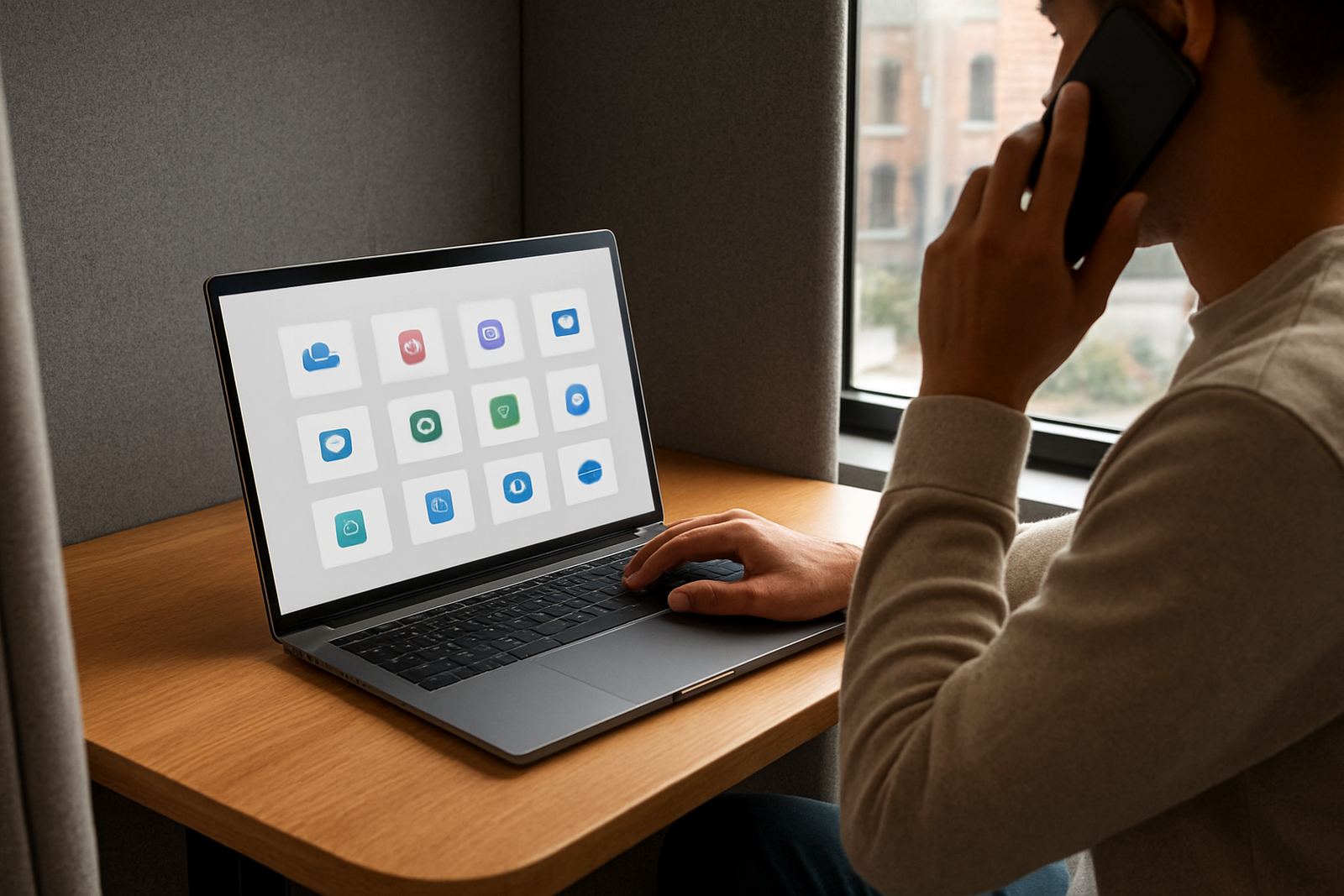


One Place for Every Approved Work App
The App Launch Portal brings approved business applications into a single sign in point for your team. Instead of staff hunting through saved passwords, browser notes or shared spreadsheets, they open the portal, choose the app they need and get in using the right access method. That means less confusion at the start of the day and fewer calls to your manager when somebody cannot remember which login to use.
It suits small teams that work across offices, home setups and mobile devices. Whether your staff are in Woodstock, Sandton, Pretoria East or working from a client site in Durban, the same portal gives them controlled access to the tools they use daily. It is practical for companies that want cleaner onboarding, better offboarding and a clearer view of who can open what.
- Central access for approved applications
- Works well for office, remote and hybrid teams
- Reduces password sharing across staff members
- Supports controlled access for changing team structures
How the Portal Works in Daily Use
The portal is built for practical day to day use by small business teams. Staff sign in once and then launch authorised applications from one secure location, instead of juggling separate logins all day. For businesses that use accounting tools, project systems, customer systems or cloud storage, this keeps access in one routine that is easier to learn and much easier to manage.
Admins can decide which users see which apps, and can set access by team, role or department. That helps when you have sales staff, accounts, operations and management all using different tools. It also helps when someone joins in Cape Town and another person leaves in Pretoria on the same week, because access can be updated without a long back and forth process.
- Single sign on for approved work apps
- Role based permissions for different teams
- Simple launch flow for staff who are not technical
- Useful for multi branch businesses and national teams
Sizes, Options and Rollout Styles
There is no one size that suits every business, so the App Launch Portal can be set up to match how your team works. Smaller teams may only need a compact app list and a few admin controls, while growing businesses often need a fuller structure with separate groups, multiple approval levels and clearer visibility over access. For branches in Johannesburg, Durban or Gqeberha, you may also want different launch sets for each location.
Typical rollout options include a simple staff portal for a small office, a department based structure for teams with different duties, or a full multi site setup with local rules for each branch. If your team uses remote workers in places like Stellenbosch, Centurion or East London, the portal can still be arranged so everyone sees only the tools they are meant to use.
- Small team setup for 5 to 15 users
- Growing business setup for 15 to 50 users
- Multi branch setup with different access by site
- Remote first setup for teams spread across South Africa
Setup, Power and Connectivity Needs
The App Launch Portal is a digital service, so there is no physical installation, no cabling and no gas requirement. What you do need is a stable internet connection and suitable devices for your team. In most cases, any modern laptop, benchtop or mobile device with current browser support will work. For branch offices, it helps to have backup connectivity in place for load-shedding or local outages so staff can still reach the portal when the main line drops.
For best results, make sure admin users have reliable access for setup and reviews, especially if they will be working from areas with weaker connectivity or if they move between office and home. If your business is on a municipal schedule or depends on shared internet at a premises in Woodstock or Century City, it is worth planning the rollout around those realities rather than assuming everyone will always be online.
- No physical installation required
- No power or gas supply needed at the product itself
- Needs stable internet and supported devices
- Backup connectivity recommended for load-shedding periods
Care, Servicing and Ongoing Admin Checks
Like any access system, the portal works best when it is reviewed regularly. That means checking user access after staff changes, confirming that only approved apps remain visible and making sure old accounts are removed promptly. A quarterly access review is a good habit for most South African small businesses because team structures change, contractors come and go, and temporary access often gets forgotten.
Care also includes keeping the app structure tidy. Too many folders, duplicate shortcuts or old tools can confuse staff and slow them down. A clean portal is easier to train, easier to manage and less likely to create support issues. If your team has just gone through a hire spree or a round of offboarding, a quick review can save a lot of clean up later. It is small work, but it matters.
- Review access after hiring, exits and role changes
- Remove old apps that staff no longer use
- Keep permissions simple and easy to understand
- Plan quarterly checks for admins and managers
What to Check Before You Order
Before you choose a setup, look closely at how your business actually works. Count the number of users, list the applications that need to be launched and decide who should approve access. It also helps to note whether your team needs branch level control, remote access or separate groups for different departments. If you are based in Cape Town but have staff in Johannesburg or Durban, those details should shape the structure from the start.
You should also think about onboarding and support. A portal is most useful when new staff can be trained quickly and admins know where to find help. Check whether you need password migration, offboarding process design or user training as part of the rollout. That way the system is set up to fit the business, not the other way round.
- Number of users now and expected growth
- Which apps need to appear in the portal
- Who should control approvals and access changes
- Whether you need training, migration or ongoing support
Suitable for Small Business Teams Across South Africa
The App Launch Portal suits businesses that want secure access without making staff jump through extra steps. It is a strong fit for admin teams, service businesses, professional practices and growing companies that need a clean way to launch approved applications every day. Whether your staff are in a Cape Town office, split between Pretoria and Gqeberha, or fully remote across the country, the same structure can be used with the right permissions in place.
1Pass supports setup, training and ongoing management from Woodstock, Cape Town, with remote onboarding nationwide. If your business needs a central portal that is practical, easy to explain and better controlled than shared logins, this product gives your team a clearer way to work.
Key facts
| Product type | Secure app launch portal with single sign on access |
|---|---|
| Best for | Small business teams with 5 to 50 users |
| Access model | Role based permissions with approved app visibility |
| Setup requirement | Stable internet and supported devices only |
| Power and gas | No physical power or gas connection required |
| Review cycle | Quarterly access reviews recommended |