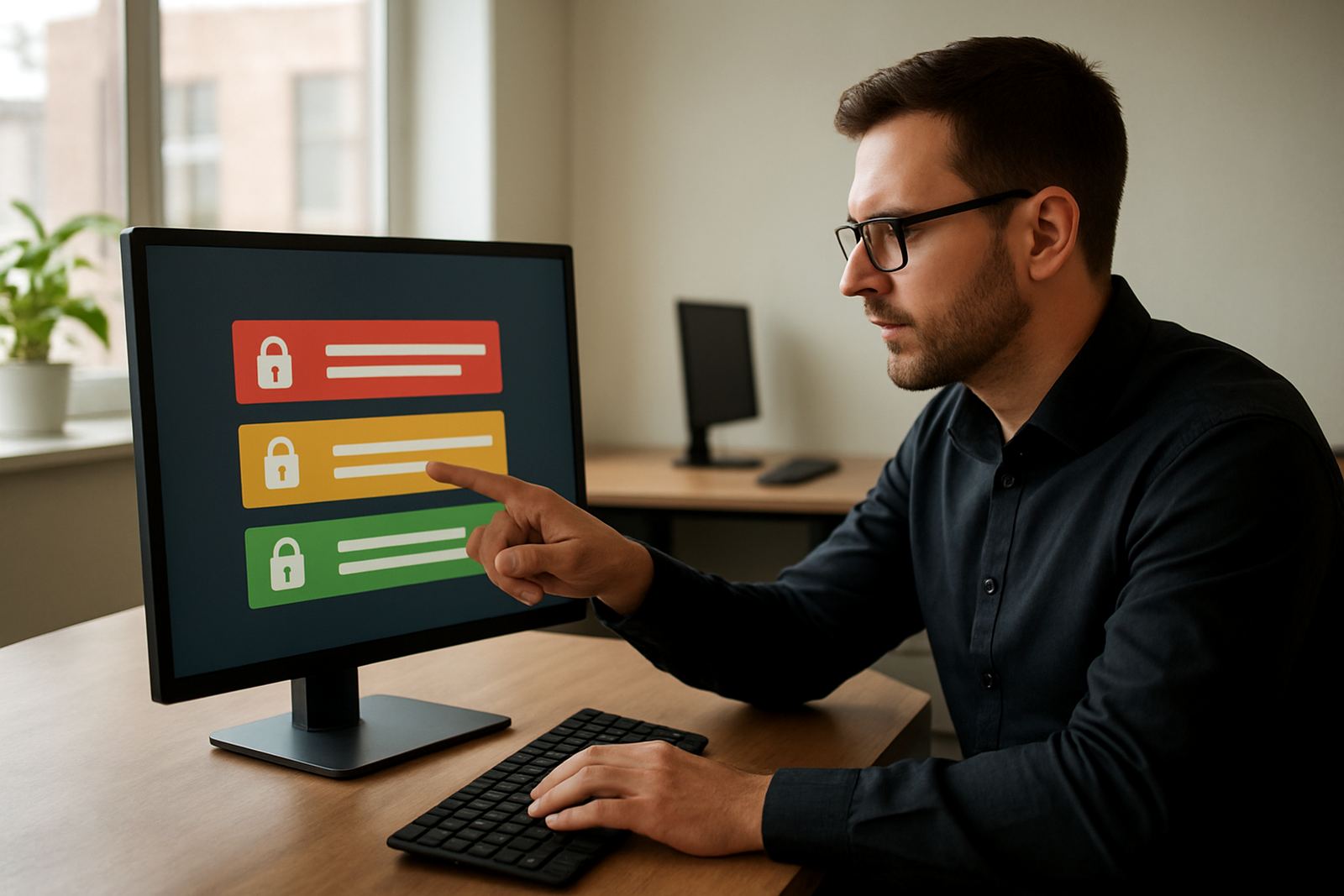


What Admin Access Controls Do In 1Pass
Admin Access Controls are the rules that sit behind every shared credential in your 1Pass account. Instead of giving every person the same access, you can assign different permissions for administrators, managers and everyday users, so each person only sees what they need for their work.
For a small business in Woodstock, Johannesburg, Pretoria or Durban, this is often the difference between tidy access and a messy spread of shared passwords. You can keep financial logins, supplier portals, municipal accounts and internal tools under tighter control, while still allowing the team to work quickly. It is a practical way to reduce risk without slowing the office down.
- Set who can view credentials
- Control who can share items with others
- Limit who can edit sensitive records
- Assign admin rights by team, role or branch
Permission Levels For Different Team Sizes
1Pass suits small teams that need structure without a complicated setup. A two person business may only need one admin and one standard user, while a 20 person operation might need separate rights for operations, finance, sales and external support. Admin permissions can be kept simple at first, then expanded as the business grows.
Typical options include full administrators who manage the account, limited administrators who can handle day to day tasks, and standard users who can use shared credentials but not change the security settings. That helps when staff rotate between branches, from Cape Town to Gqeberha, or when remote workers join from home in the suburbs or out in the regions.
- Full admin rights for account control and policy changes
- Limited admin rights for user support and routine changes
- Read only style access for auditing and oversight where needed
For teams dealing with load-shedding, remote work and people logging in from different places, this structure keeps access orderly and easier to track.
Where Admin Controls Suit Best
This product is a good fit for small business teams that share sensitive logins across more than one department. It suits companies with a central office in Cape Town and support teams in Johannesburg, Pretoria, Durban, Stellenbosch or Century City. It also works well for remote onboarding nationwide, where new staff need access on day one but should not see everything at once.
It is especially useful where there are several moving parts, such as payroll, supplier portals, customer systems, and internal admin tools. If one person should not be able to edit another department’s credentials, admin controls make that boundary clear. That matters in regulated workplaces too, where access records and offboarding must be handled carefully.
- Professional services teams with shared client tools
- Retail and field teams with branch based logins
- Finance and operations teams that need tighter control
- Businesses with frequent onboarding and offboarding
Setup, Power Needs And Technical Requirements
Admin Access Controls are configured as part of your 1Pass setup, so there is no separate appliance to install and no special wiring or gas requirement. Because the system runs through your existing devices and internet connection, the main need is reliable access to the platform and a sensible admin structure from the start.
During setup, 1Pass helps define who manages the vault, who can approve changes and who can only use shared credentials. That may include naming branch admins, setting up role based groups and deciding which users can change permissions. For South African teams, this is useful when internet quality varies or when staff work through load-shedding on laptops and mobile data, since the permissions stay in place once configured.
- No electrical installation or gas connection needed
- Works on standard office devices with internet access
- Admin rules can be set up remotely for distributed teams
- Permissions remain in place across offices and home setups
If your business has a local IT person or outsourced support, they can work with 1Pass during rollout. The setup is practical and does not require a server room or special equipment.
Care, Reviews And Ongoing Servicing
Admin Access Controls do not need physical maintenance, but they do need regular review. A permission structure that works in January may be wrong by July if someone has moved roles, left the company, or taken on extra duties. The best practice is to review access at least quarterly and again after any staff change.
1Pass supports ongoing team support, quarterly access reviews and offboarding process design, which helps keep admin rights current. In practice, that means checking who still needs access, removing old permissions and tightening control around sensitive vaults. It also helps prevent the common problem where a departed employee still has edit rights months after leaving.
- Review admin rights after onboarding or offboarding
- Check whether branch managers still need elevated access
- Confirm that shared credentials have the correct owner
- Keep an audit trail for internal checks and reporting
For businesses under pressure, this kind of upkeep saves time later and reduces the chance of a security issue turning into a bigger admin headache.
What To Check Before You Order
Before you set up Admin Access Controls, it helps to know how your team actually works. A small office in Cape Town may need one structure, while a national team with support in Pretoria and Durban may need something more layered. The right setup depends on who approves changes, who handles passwords and who should never see certain credentials at all.
When you enquire through the contact page, be ready to share how many users you have, which departments need access and whether you need remote onboarding. It also helps to know what systems are involved, such as accounting tools, client portals or shared supplier logins. The more clearly the roles are mapped, the cleaner the setup will be.
- Number of users and departments
- Which staff need admin rights versus standard access
- Whether branches need separate permission groups
- Any offboarding, review or audit requirements
- Whether you need migration from an existing password process
Based in Woodstock, Cape Town, 1Pass supports small business teams across South Africa with setup, training and ongoing support. The goal is simple: keep credentials controlled, make work easier and avoid unnecessary risk.
Key facts
| Permission control | View, share and edit rights by role or group |
|---|---|
| Admin types | Full admin, limited admin and standard user access |
| Audit support | Activity tracking for changes and access review |
| Setup method | Remote configuration for local and nationwide teams |
| Best fit | Small business teams with shared credentials |
| Support | Training, onboarding and quarterly access reviews |