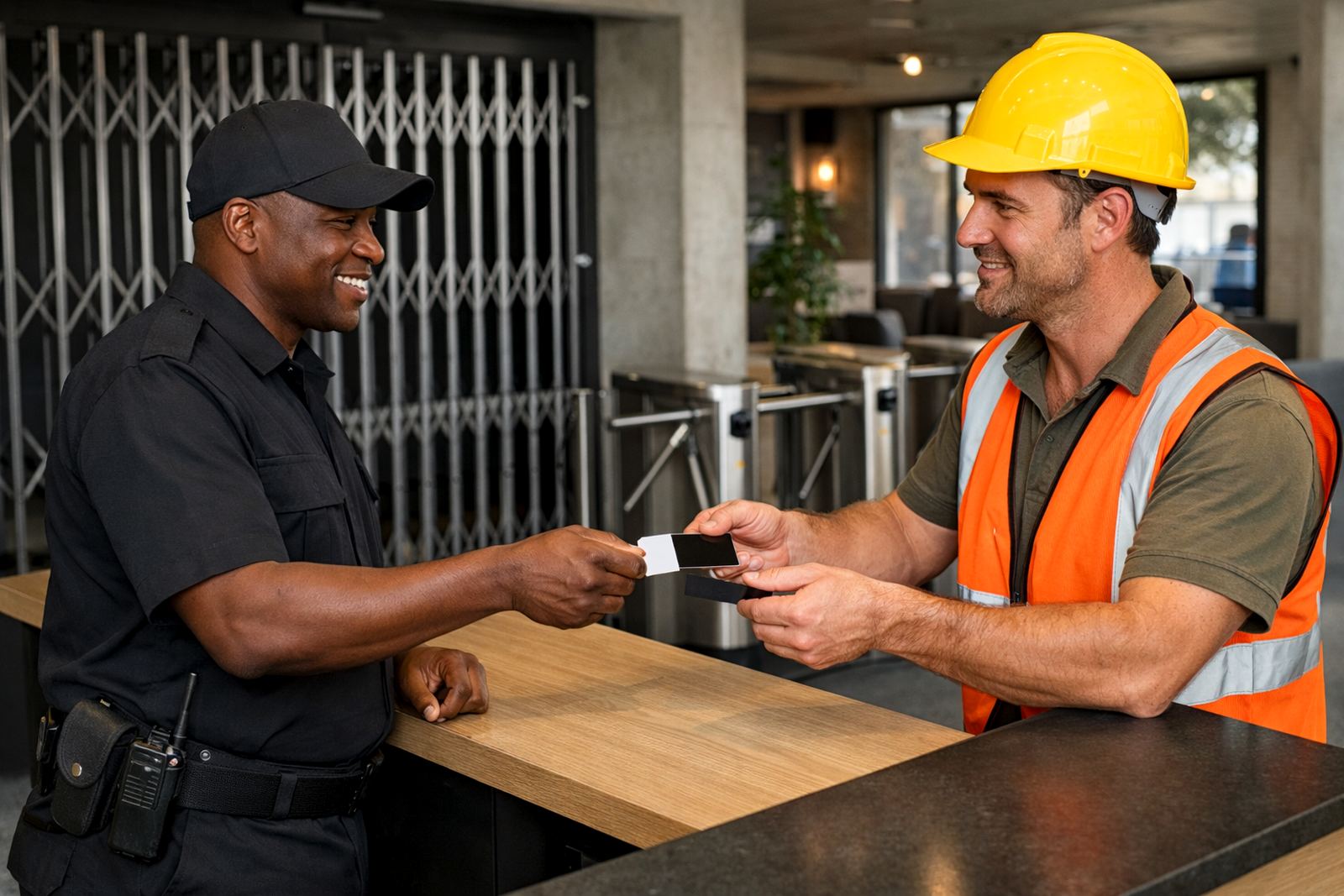


What Remote Team Access does for a growing business
Remote Team Access is the part of 1Pass that keeps your people connected to work systems without passing passwords around on WhatsApp or leaving access tied to one laptop in one office. It brings passwords, sign-ins and access rules into one controlled setup so staff can work from Cape Town, Johannesburg, Pretoria, Durban, Gqeberha or from home with the same security rules in place.
For small businesses, this matters when teams are split across branches, on the road, or working during load-shedding windows. Managers can approve access, remove it when needed and keep a proper record of who can get into what. That means less chasing and fewer lockouts, which saves time every week.
Options for different team sizes and access needs
1Pass is built for small teams that want a simple start and room to grow. Whether you have 5 users or 75, the structure can be shaped around departments, roles and external access needs. Some teams only need secure password sharing and sign-in support. Others need separate vaults, tighter admin controls and more detailed permission mapping.
- Small office teams that need one secure login process
- Multi-branch businesses with shared systems and local admins
- Remote-first teams with staff working across provinces
- Businesses that bring in contractors, bookkeepers or support staff on a short-term basis
- Teams that need offboarding controls when people leave or move roles
We also help with structure for firms that have different access levels for operations, finance, sales and technical staff. That way the right people get the right access, and no one ends up with more permissions than they need.
Where this setup suits best
Remote Team Access suits businesses that cannot depend on one office or one person holding every password. It works well for companies with staff in Woodstock and Century City, support teams in Johannesburg or Pretoria, and service crews or managers who move between sites. It is also practical for businesses that need remote onboarding, since new staff can be set up without waiting for a full in-person handover.
It is a strong fit for firms that work in shared office space, have occasional power interruptions, or need to keep access going during travel and public holiday cover. Coastal humidity in places like Cape Town and Durban can also affect hardware over time, so keeping access in a managed digital system helps reduce reliance on printed notes, untracked files and local-only storage.
- Professional services and admin-heavy businesses
- Sales teams that travel between provinces
- Agencies, consultancies and support counters
- Operations teams with multiple systems and logins
- Businesses with seasonal or part-time staff
How setup works from our Woodstock base
Our team handles setup remotely for businesses anywhere in South Africa, with in-person support available from our Woodstock, Cape Town base where needed. We start with an initial security review, then set up the platform, map permissions and prepare the vault structure around the way your team actually works. If you already have a long list of passwords, we can help with migration so the move is organised and not a scramble.
Typical rollout includes SSO configuration where needed, user onboarding training, admin training and offboarding process design. For teams with limited time, we can phase the rollout so the most important systems are secured first. That keeps business moving while the rest of the access structure is put in place.
- Initial review of current access and risks
- Platform setup and vault structure design
- Permission mapping for users, teams and admins
- Password migration and sign-in clean-up
- Remote rollout support with team training
Power, internet and practical requirements
Remote Team Access is a software service, so you do not need special gas supply or heavy equipment on site. What you do need is a stable internet connection for each user and the devices they already use for work. A laptop or benchtop with current operating systems is best, and mobile access can help when staff are away from their main workstation.
For South African conditions, it is worth planning for load-shedding and spotty connectivity. We recommend backup power for routers and key workstations where possible, plus a clear process for using secure access when staff are working off mobile data. If your team operates from a shared premises or a building with municipal access rules, it is also wise to keep admin rights controlled so changes are tracked and approved.
- Reliable internet for all users
- Benchtop, laptop or mobile device access
- Optional backup power for routers and key stations
- Secure authentication methods for remote sign-ins
- Clear admin ownership for every system
Admin, support and what to confirm before rollout
Good access control needs regular attention. Quarterly access reviews help keep permissions current, especially when staff change roles, take leave or leave the business. We also recommend checking your vault structure and shared access rules after any major team change. If your team grows quickly, or if you add new software, the setup should be adjusted so the old rules do not create gaps.
Before ordering, check how many users you need, which systems must be included, who should have admin rights, and whether you need training for one person or for the whole team. It also helps to know if you need remote onboarding only, or a fuller setup that includes offboarding design and ongoing support. A quick list now saves back-and-forth later and avoids paying for access that does not match how your team works.
- Number of users and active systems
- Single sign-on requirements
- Shared access versus individual access
- Need for training, migration or admin support
- Review schedule for permissions and departures
Key facts
| Use case | Secure access for distributed small business teams |
|---|---|
| User range | Best for teams from 5 to 75 users, with room to scale |
| Deployment | Remote setup nationwide, with support from Woodstock, Cape Town |
| Core functions | Password management, SSO, vault control, permissions and onboarding |
| Support | Training, migration, quarterly reviews and ongoing assistance |
| Power and site needs | No special power or gas required, only stable internet and work devices |