

Why Hospitality Teams Need Tighter Access Control
Hotels, guesthouses and lodge groups usually have a mix of front of house staff, reservations teams, general managers and regional ops people all needing access to different systems. That can include booking platforms, channel managers, payroll portals, POS systems, supplier logins and finance tools. When passwords are shared across shifts or kept in notebooks at reception, it gets messy very quickly.
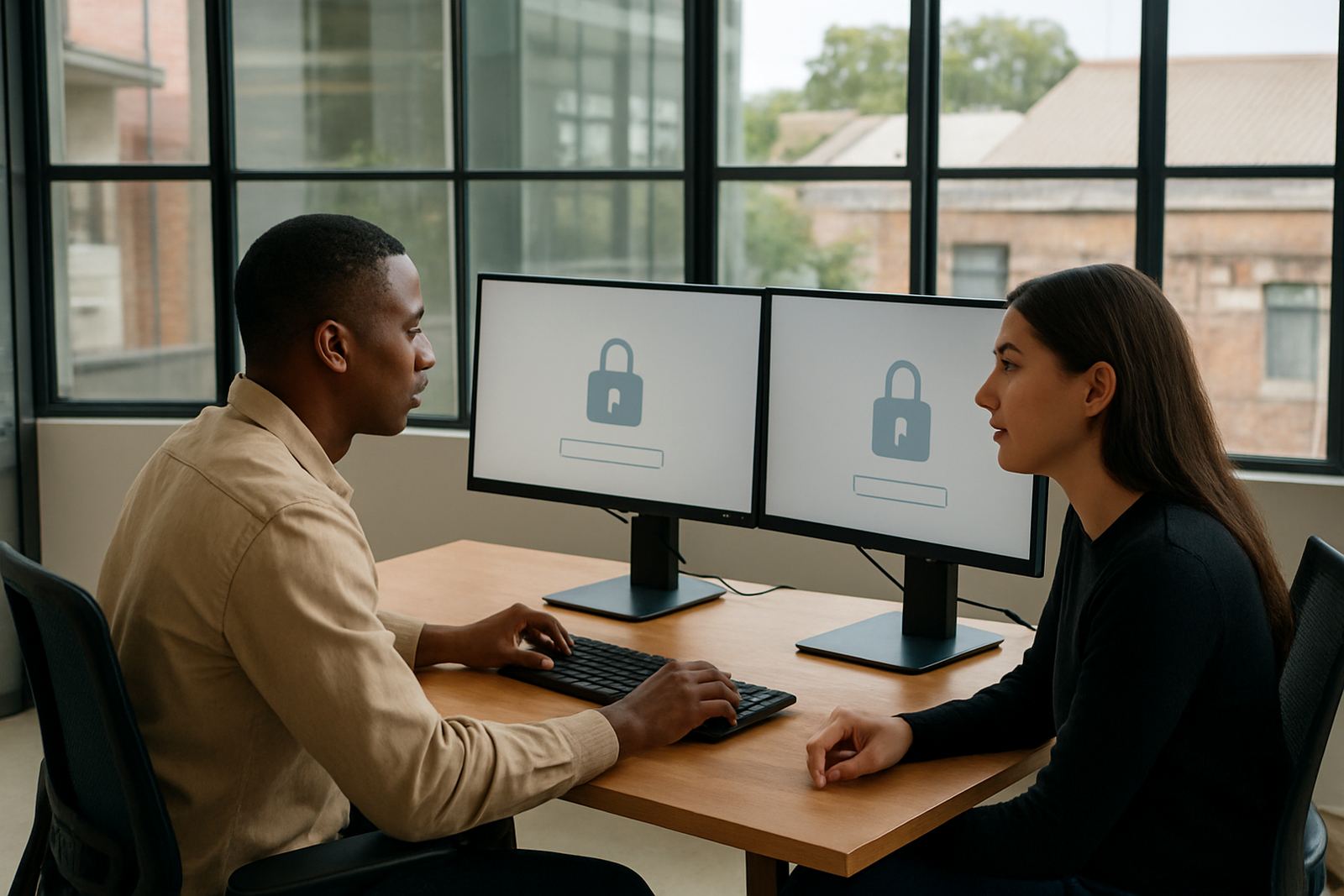
For hospitality groups in Cape Town, Johannesburg, Durban or Gqeberha, the real challenge is not just security. It is keeping service moving during check-in rushes, night audit handovers and weekend changes. A password manager and single sign-on setup makes access cleaner, so staff can get into the tools they need without hunting for old passwords or asking around for a login that has already changed.
It also helps when teams grow or change seasonally. New staff can be added with the right access from day one, and when someone leaves, you can remove their permissions in one place instead of chasing every system one by one. That saves time and lowers risk, esppecially in businesses with multiple branches or properties.
How We Set It Up for Reception, Reservations and Management
We start with an initial security review so we can see which applications are used at each property and who needs access. In a hospitality group, reception may need the property management system, reservations may need rate tools and online travel portals, while managers may need reporting, finance and HR systems. The aim is to keep access tight without slowing down the team.
Our setup work usually includes vault structure design, permission mapping and single sign-on configuration. For a multi-site group, we can separate access by property, department and seniority. That means a receptionist in Stellenbosch does not see the same logins as a general manager in Durban, unless there is a clear business reason. It keeps things tidy and it makes audits easier too.
- Initial security review for all sites and departments
- SSO configuration for approved applications
- Vault structure design by property or team
- Permission mapping for managers, reception and reservations
- Password migration from spreadsheets, shared folders or old notes
Typical Equipment and Systems in a Hospitality Group
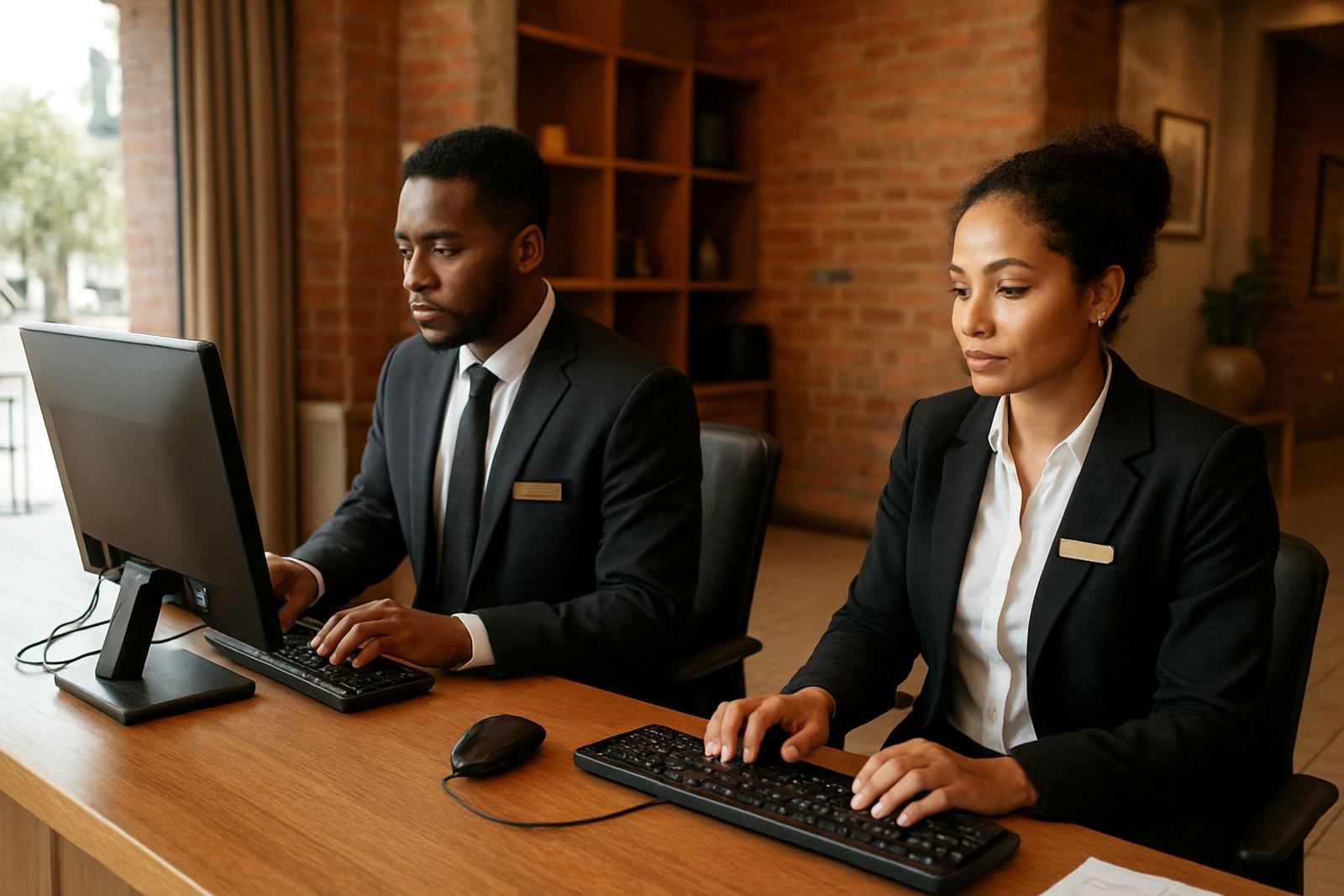
Most hospitality groups do not need special hardware for this kind of rollout. A standard mix of office laptops, reception PCs, tablets for supervisors and mobile phones for managers is usually enough. What matters is that the devices are secure, updated and used by named people. If staff are still sharing one computer at the front counter across shifts, that should be addressed as part of the process.
Common systems we see in hospitality include booking software, messaging platforms, finance systems, payroll tools, document storage, maintenance logs and supplier portals. Some sites also use shared message inboxes for reservations or guest requests. We help set these up in a way that works for daily operations and still supports proper access control. In coastal areas like Durban or Gqeberha, it is worth checking device condition too, because humidty can shorten the life of older equipment and lead to random login issues.
- Reception computers and front office laptops
- Supervisor tablets and mobile access for duty managers
- Secure logins for reservations and central sales staff
- Access for finance, HR and operations managers
- Shared systems split into named user access where possible
Planning the Rollout Across Multiple Properties
For groups with sites in Pretoria, Johannesburg, Cape Town and beyond, rollout planning should be done property by property. Start with head office or the busiest site, then move through the rest in a sensible order. This makes training easier and reduces pressure on the team during peak trading periods. If you are in peak season or going into December, timing matters a lot.
We recommend setting clear rules for who owns each application, who approves access and how offboarding will work when someone leaves. The biggest mistake is letting each property manage passwords in its own way. That usually leads to duplicate logins, old accounts that stay active and staff using workarounds when they are locked out. A proper rollout gives you one process, not five different versions.
1Pass also supports remote onboarding nationwide, so teams outside Cape Town can still get setup help without waiting for someone to travel. That is useful for regional groups with branches in inland towns, resort locations or new sites that need access sorted before opening day. The process is straightforward but it does need a bit of discipline from the client side.
Common Mistakes We Fix Early
Hospitality businesses often come to us after a few avoidable problems have already started. The most common one is passwords being shared through chats or on paper behind reception. Another is staff keeping access after changing roles, which creates confusion and can lead to the wrong person seeing guest, finance or supplier information. The setup then becomes reactive instead of controlled.
We also see teams giving every manager the same level of access, even when they only need a small part of the system. That creates extra risk and makes troubleshooting harder. It is better to define access by task, not by job title alone. If a reservations supervisor only needs booking tools, they should not have admin rights for everything else. Small changes like this make a big difference over time.
- Shared passwords passed around too freely
- No clear offboarding process when staff leave
- Too many people with admin rights
- Different password habits at each property
- Access not reviewed after promotions or department moves
Budget Ranges for South African Hospitality Groups
Budget depends on the number of users, how many properties are included and how much migration support is needed. A smaller guesthouse group with one or two sites will usually pay less than a national operator with several departments and a central head office. If the current setup is a mess, expect more work in the beginning because passwords need to be cleaned up and permissions mapped properly.
As a guide, smaller hospitality teams can often expect implementation and setup projects from around R12 000 to R35 000, with more complex multi-site rollouts ranging from about R35 000 to R90 000 or more. Ongoing support, training and quarterly access reviews are usually planned separately. It is best to think about this as an operations cost, not just an IT item, because it saves time at handover and reduces security issues across the business. The right setup can pay for itself quicker than many teams expect.
We can also phase the rollout if needed, which helps groups manage cash flow and get the most urgent sites done first. That is often the best option for hospitality businesses that are busy all year and do not want a long disruptive project.