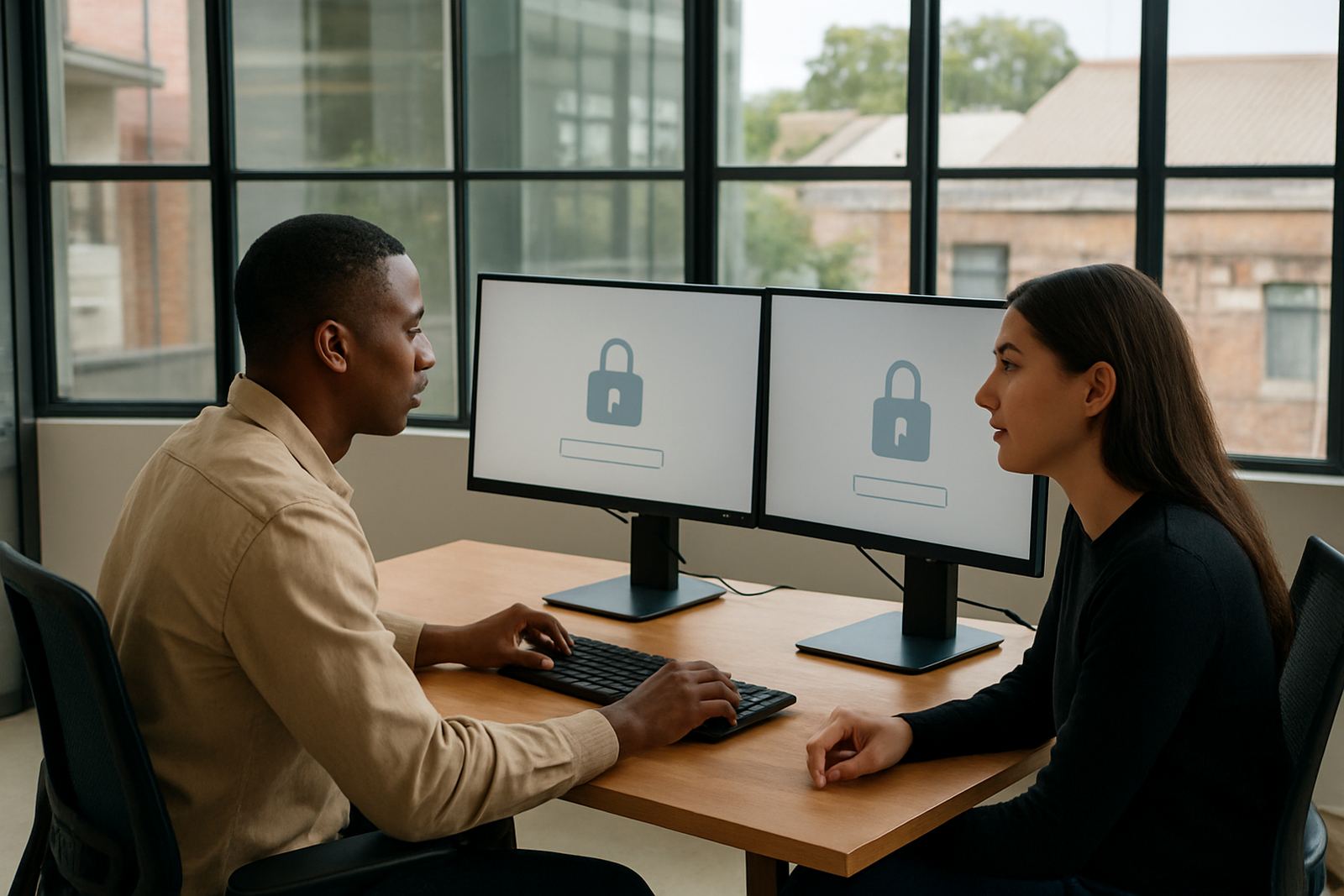


Why accounting teams need tighter access control
Typical setups in accounting firms usually include laptops or small benchtop PCs, one or two shared office printers, cloud accounting tools, practice management systems, payroll applications and banking access. Some firms also use tax submission tools, document storage, scanning apps and secure client portals. In smaller offices, one person may manage several roles, so the access structure has to match real work patterns, not just a chart on paper.
We often see practices that still keep passwords in browser notes or in a spreadsheet that too many people can open. That is risky when staff rotate between branches in Cape Town, Stellenbosch and Century City, or when a team member leaves during a busy month. 1Pass gives you a cleaner structure, with vaults, permissions and sign-in control that can be set around the way your firm actually operates.
- Laptops for directors, managers and junior staff
- Document scanners and office printers shared by several users
- Cloud accounting and payroll platforms
- Client portals, banking sites and tax systems
Planning your vaults and permissions properly
A good setup starts with thinking through who needs access to what, and when. For an accounting firm, that usually means separating client work, internal admin, banking, payroll and director-level systems into different vaults or access groups. 1Pass can help map those permissions so a tax consultant does not see payroll credentials they do not need, and a junior assistant does not have broad access to sensitive accounts.
It also helps to plan for changes in staff roles. In many practices, a person may start in admin, move into bookkeeping, then later help with VAT or management accounts. If the access structure is not clear from the start, changes become messy and risky. We usually recommend a simple naming system for vaults, a clean owner for each one and a written offboarding process so access is removed on the same day when someone leaves.
For firms in Durban or Gqeberha, where internet stability can vary by area, it is worth checking which teams need access during outages and how they will work from a backup location. If your office uses mobile hotspots during power cuts, the login process should still be simple enough for staff to get on with the work without calling for help every hour.
Common mistakes we see in small practices
Most issues in accounting firms are not caused by advanced cyberattacks, but by everyday habits that go unchecked. The biggest one is shared access that stays in place for years. Another is giving all staff the same password for a client portal because it feels quicker. That may save time today, but it creates problems when someone leaves, gets promoted or needs access removed fast.
We also see firms that do not keep a proper offboarding process. If a bookkeeper resigns on Friday and still has access on Monday, that is a real exposure. Another common issue is no formal review of who can reach banking, tax and payroll tools. Without quarterly access reviews, old permissions build up quietly. It is also common to forget remote workers, especially in smaller practices with support staff spread across South Africa.
- Using one password for many staff members
- Leaving ex-staff access active after resignation
- Mixing client access with internal admin access
- Skipping quarterly reviews because the office is busy
- Allowing passwords to live in notes, chats or spreadsheets
Budget ranges for accounting firms in Rand
Budget depends on the number of users, how many systems need to be brought under control, and how much support you want during rollout. A very small practice with a few users and basic access structure may spend from around R9,500 to R18,000 for setup and initial training. A growing firm with multiple roles, several vault groups and migration from older password habits may be in the R18,000 to R42,000 range.
Larger small-business practices with multiple offices, stronger permission mapping and quarterly review support can expect higher project costs, especially if there is a need to clean up old access records and manage a longer migration. Ongoing team support, admin training and review work are usually priced separately, so it helps to plan for both the first rollout and the monthly or quarterly upkeep. That way the system stays useful after the first busy season passes.
For firms operating across Johannesburg, Pretoria and the Cape Town metro, we often advise budgeting a little extra for remote onboarding and staff training, since getting everyone aligned from the start saves time later. It is cheaper to set the structure correctly once than to fix a messy account list after tax season.
What a practical rollout looks like
A sensible rollout begins with an initial security review, followed by a clean setup of vaults, permissions and user roles. Then the team moves into password migration, SSO configuration where needed, and training for both users and administrators. For accounting firms, this usually works best in stages, first the partners and admins, then the finance team, then any support or remote staff.
1Pass supports remote onboarding nationwide, so firms in Woodstock, Pretoria, Durban, Gqeberha and smaller towns can be set up without waiting for a long in-person process. We also work around busy periods, because accounting teams do not have spare hours during month-end, payroll runs or tax deadlines. The aim is to make access easier without interrupting the work that brings in revenue.
Once the system is live, quarterly access reviews and ongoing team support keep things tidy. That means checking who still needs access, removing what is no longer required and making sure new staff are added correctly. Over time, this becomes part of the firm’s normal control process, not a one-off tech project.