

What Team Directory Sync Does for Your Business
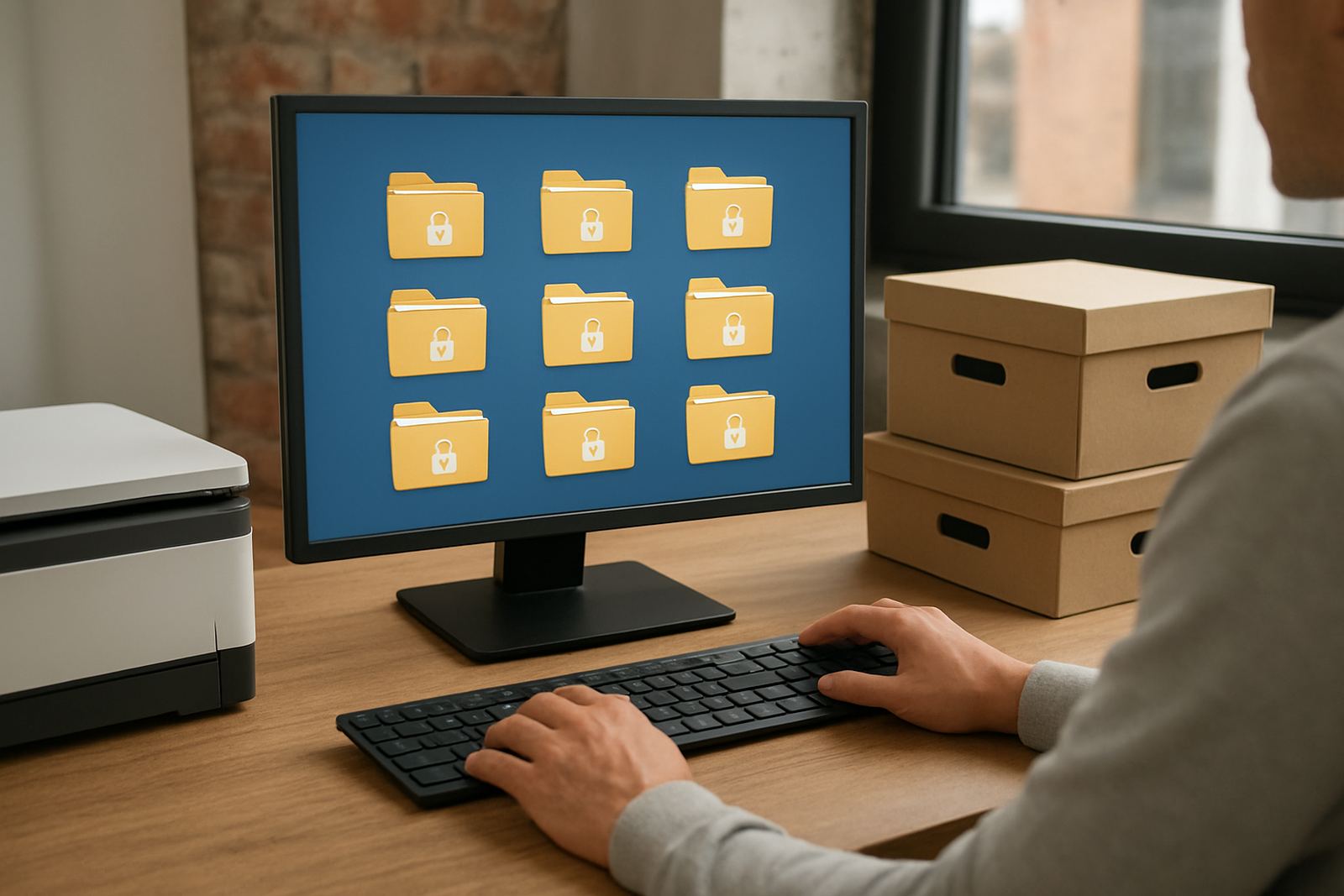
Team Directory Sync links your internal staff directory to your password and access setup, so your team structure stays current when people join, move roles or leave. Instead of updating every shared login by hand, your admin team can keep access aligned to departments, branches and project groups in one place.
This is useful for small teams that still need tight control over who sees what. If your company has a mix of office staff, remote workers and field staff, syncing the directory helps reduce the risk of old access hanging around after a resignation or transfer. It also saves time during busy periods like month-end, onboarding days and annual leave cover.
Where It Suits Small Teams And Growing Offices
Team Directory Sync suits businesses that have a clear staff structure and a need to manage access by role, site or function. It works well for offices in Woodstock, Stellenbosch, Century City, Johannesburg, Pretoria, Durban, Gqeberha and remote teams nationwide.
It is a good fit if your organisation is growing in stages and you need a practical way to keep up with changes. Typical use cases include:
- Professional services firms with separate admin, finance and client service teams
- Retail and trade businesses with head office and branch access groups
- Remote teams that need secure access without sharing passwords informally
- Businesses with regular staff movement, seasonal workers or contractors
Setup, Connectivity And What You Need In Place
There is no gas requirement and no special site work needed. Team Directory Sync is set up through your admin environment and linked to your existing staff records. You need a stable internet connection, a current browser and administrator access to your team records and user groups.
For many small businesses, setup can be completed remotely. If your internal directory is already tidy, setup is quicker. If your records are inconsistent, we help map job titles, branches and teams before sync is turned on. That avoids confusion later when staff names, email addresses or departments change.
Power needs are minimal because this is a cloud based service. A normal office laptop, benchtop or secure mobile device is enough for day to day admin. If load-shedding affects your area, make sure your router, laptop and any admin device can run on backup power or mobile data so approvals and access updates are not delayed.
Sizes, Options And Access Structures
Team Directory Sync is available in a few practical options depending on how your business is organised. You can keep it simple for a small team, or set up a more detailed structure for multiple departments and branches.
- Basic team sync: suitable for small teams with one main user group and simple permissions
- Department-based sync: for businesses that separate access by finance, operations, sales or support
- Branch-based sync: useful when teams are split between Cape Town, Gauteng, KZN and the Eastern Cape
- Hybrid structure: combines department and branch rules for fuller control
You can also choose how strict the sync should be. Some businesses want automatic updates for new starters and leavers. Others prefer a review step before access changes go live, especially where finance, payroll or client records are involved.
Care, Reviews And Ongoing Access Control
Like any access system, Team Directory Sync works best when someone checks it regularly. Staff titles change, temporary staff are extended and people move between teams. A quarterly access review is usually enough for smaller businesses, while busier firms may prefer monthly checks.
We recommend reviewing the following on a routine basis:
- New starters who need immediate access to the correct group
- Leavers who should be removed from all active access lists
- Role changes that may require new permissions
- Shared accounts that should be reduced or replaced
- Any mismatches between your staff list and live access groups
Good care also means training. Admin users should know who can approve changes, how to handle temporary access and what to do when a manager requests urgent permission changes after hours.
What To Check Before You Order
Before ordering Team Directory Sync, check that your staff records are accurate and that your internal structure makes sense. If your team names are messy or duplicates exist, the sync will only reflect that problem faster. It is worth cleaning the list first.
Ask these questions before rollout:
- Do you have one current staff list with job titles and departments?
- Which users need admin rights and who only needs standard access?
- Do you need branch-level control or only department-level control?
- Are contractors, interns or temporary workers included?
- How will leavers be handled after their last day?
It also helps to decide who will own the process internally. In many small businesses that is the operations manager, office manager or IT lead. A clear owner keeps the process moving and avoids access delays when someone is on leave.
What You Get With 1Pass Team Directory Sync
With 1Pass, Team Directory Sync is set up to support practical access control for South African small businesses, not to add extra admin. The focus is on keeping the right people in the right groups, with enough flexibility for local branch setups, remote work and changing staff structures.
This product works well alongside password management, single sign-on and quarterly access reviews. When combined, those tools help your team move faster without leaving old access behind. For businesses that need reliable control across different towns and regions, that kind of structure makes day-to-day admin far easier.
Key facts
| Sync type | Staff directory to access group alignment |
|---|---|
| Best for | Small business teams with changing staff and permissions |
| Deployment | Remote setup across South Africa |
| Power needs | No special power supply required, internet and device access only |
| Gas needs | None |
| Review cadence | Quarterly recommended, monthly for higher change environments |