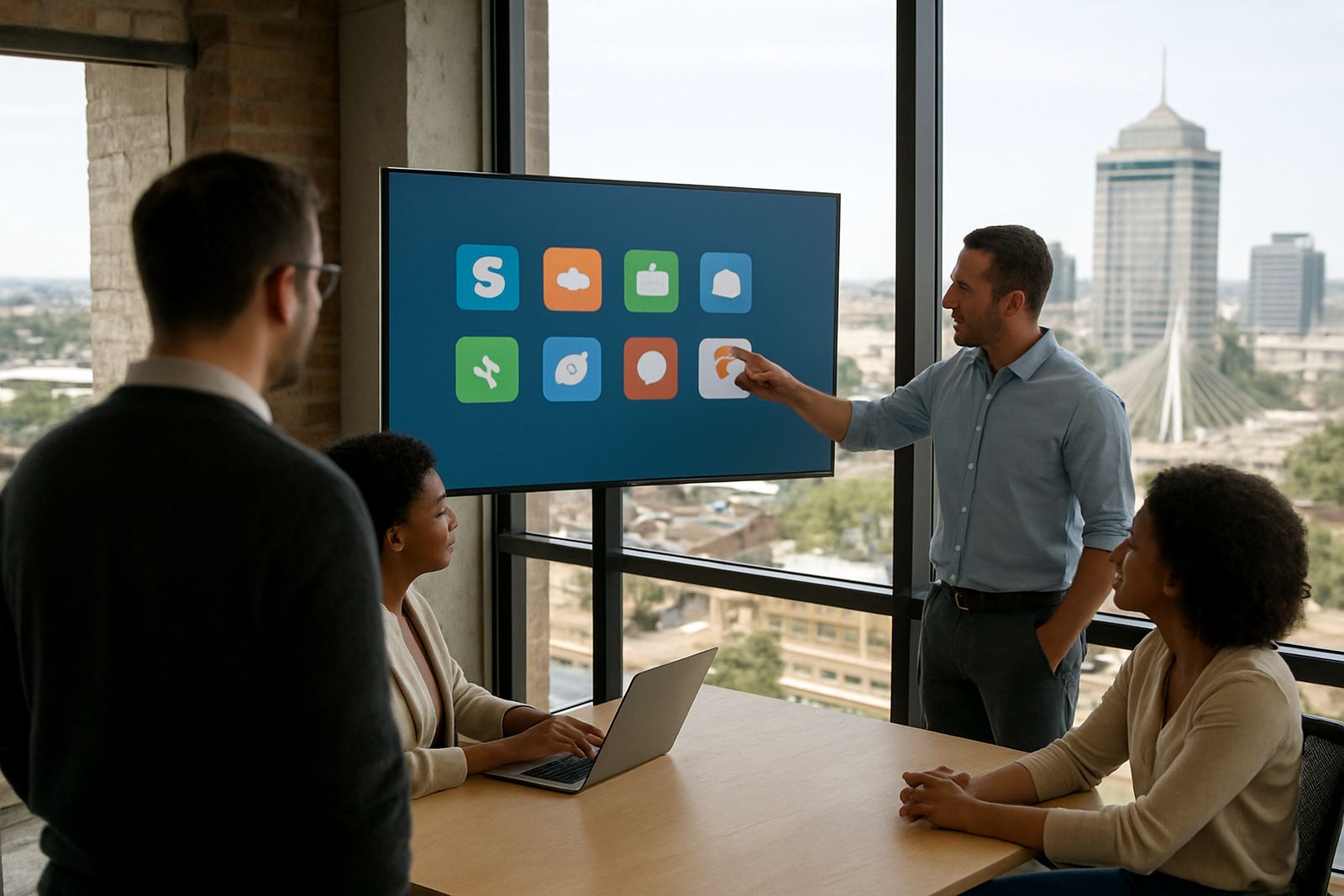


What the studio needed from day one
The client was a small creative studio in Observatory, Cape Town with a mix of designers, account staff and project support working on client systems every day. As the team grew, passwords were being stored in too many places, new starters were waiting on access, and admin staff were spending too much time chasing logins instead of moving work forward.
The brief was clear. They wanted a single, secure place for team access, better control over who could see what, and a cleaner way to onboard and offboard staff. They also needed something practical for a busy office where people work from the studio, from home and while travelling between client meetings.
- Client type: creative studio with internal and client-facing teams
- Location: Observatory, Cape Town
- Team size: 15 users at rollout
- Work pattern: office based, remote and hybrid access
The constraints we had to work around
The studio needed a setup that would not interrupt daily deadlines. They could not afford a long lock up period while passwords were moved, and they needed a rollout that fit around account deadlines, campaign work and supplier handovers. There was also a practical security issue, because different staff members had been sharing access to tools informally when somebody was on leave or out on site.
We also had to keep the process simple enough for non technical staff to follow. If a system feels heavy, people go back to old habits. That is usually where access problems start again. So the structure had to be easy to understand, quick to train and suitable for a small team that does not have time for complicated admin.
- Limited downtime available during business hours
- Mixed technical ability across the team
- Need for tighter access control without slowing people down
- Support for staff using laptop and mobile access
How we set up the access structure
We began with an initial security review and mapped the studio’s main applications, shared logins and internal roles. From there we built a vault structure that matched how the team actually worked, not how software manuals say people should work. Finance access, client delivery tools, admin systems and shared creative accounts were separated so staff only saw what they needed.
We then handled platform setup, SSO configuration, password migration and permission mapping. The move from old spreadsheets and browser saved passwords into one system took steady coordination, especially where external contractors were involved. The team also received role based onboarding training, plus admin training for the staff who would manage access day to day.
- Platform setup and team rollout
- SSO configuration for approved tools
- Password migration into secure vaults
- Permission mapping by role and department
Rollout timeline and training plan
The full project ran over 3 weeks. Week 1 covered the security review, access list building and approval from management. Week 2 focused on setup, migration and testing. Week 3 was used for user onboarding, admin handover and support after go live. That structure gave the studio time to check everything before the new process became the default.
Training was kept practical. Staff were shown how to find shared credentials, request access and save new logins correctly. The admin team received extra guidance on offboarding, quarterly reviews and how to add new users without creating gaps. We also prepared a simple process for remote staff so the same rules applied whether someone was in Woodstock, working from home or travelling between clients.
- Week 1: review and planning
- Week 2: configuration and migration
- Week 3: training, go live and support
Results after go live
Once the new system was in place, the studio had one clear access point for team tools and fewer bottlenecks when staff changed roles or joined a new project. New starters no longer had to wait around for scattered passwords, and managers could see at a glance who had access to what. That alone cut a lot of small delays from the week.
The biggest change was in onboarding. New employees could be added into the right groups and given the right tools from the start, which made their first few days far easier. The team also felt more confident about offboarding because access could be removed in a controlled way instead of relying on memory. It was a simple setup, but it removed the daily mess that had built up over time.
- Faster onboarding for new staff
- Clearer access control for shared tools
- Less time spent chasing passwords
- Better offboarding and role changes
What we would do again for a studio like this
If we were starting the same project again, we would keep the same approach. Start with the real working pattern, map the applications properly, and set the vault structure around departments and client work. That is the part that makes the system easy to use later. A neat system on paper is not enough if the team cannot follow it on a busy Thursday afternoon.
We would also keep the training direct and short, then back it up with admin support during the first few weeks after rollout. For a creative studio, that support matters because staff are usually juggling deadlines, meetings and quick turnaround changes. The goal is not just security, it is making secure access normal enough that people use it without thinking. That is when the system really starts paying off.
- Design the vault around how the team works
- Train admins before full rollout
- Keep first month support close at hand
Spec notes for this Observatory project
From the first review to the final handover, the work was shaped for a small creative team that needed order without extra admin. The setup was remote friendly, secure and simple enough for everyday use, even when staff changed between client jobs or worked outside the office. It gave the studio a better base for growth without forcing them to rebuild their process later.
For a Cape Town team handling client work across South Africa, that kind of structure is practical. It keeps access under control, supports hybrid work and makes sure the right people can get to the right tools without delay. It also leaves less room for mistakes when the office is busy or someone is out sick and the work still has to carry on.
Key facts
| Client type | Creative studio |
|---|---|
| Town | Observatory, Cape Town |
| Timeline | 3 weeks |
| Users at rollout | 15 |
| Services delivered | Initial Security Review, Platform Setup, SSO Configuration, Vault Structure Design, Permission Mapping, User Onboarding Training, Admin Training, Password Migration, Offboarding Process Design |
| Support model | Remote onboarding and ongoing team support |