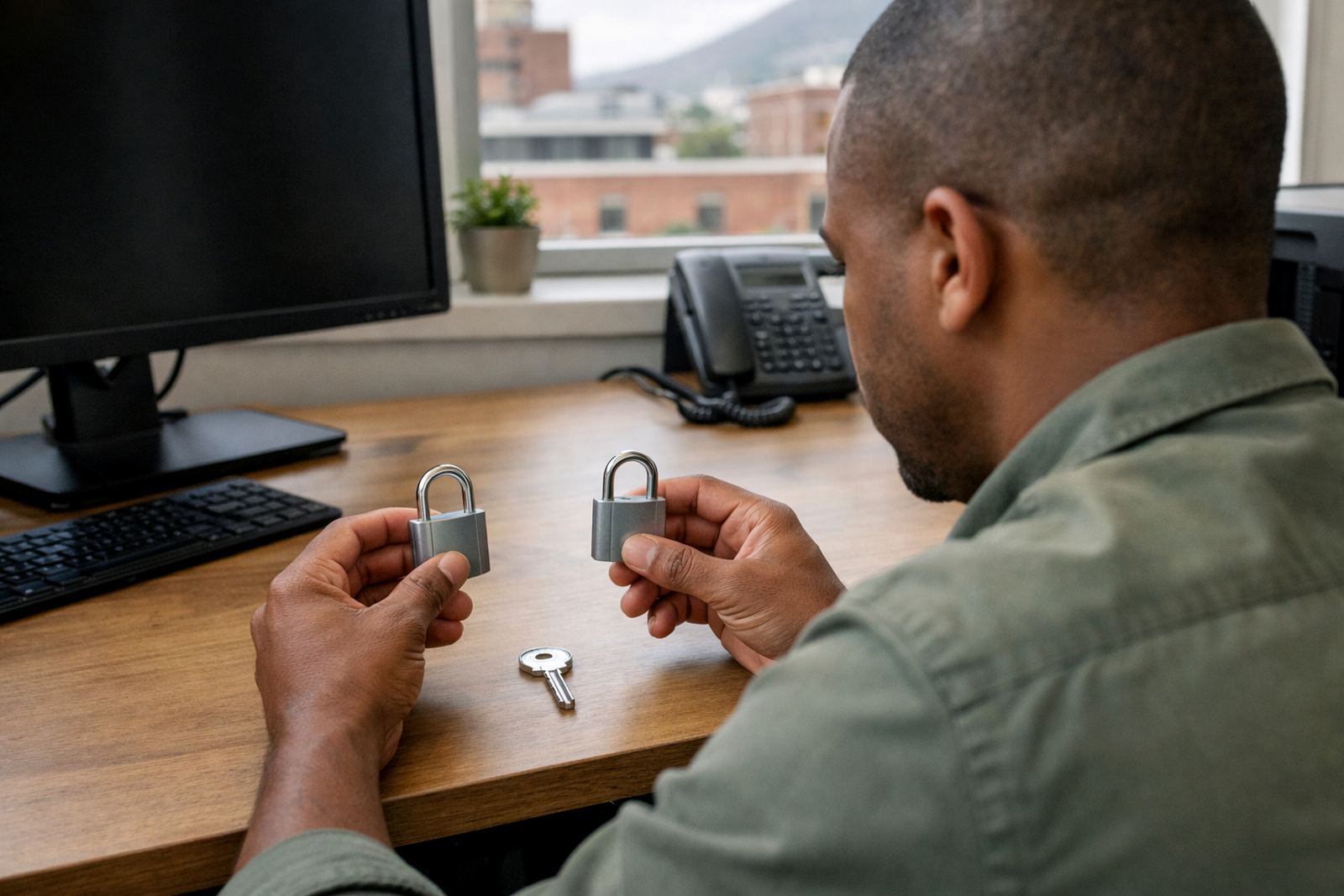


Shared passwords put family firms at risk
In many family businesses, the same account details get shared across the office, the warehouse and the owner’s phone. A cousin helps with admin, a son handles sales, and a sister covers finance when someone is out, so passwords get passed around in notebooks, WhatsApp messages or saved in browsers. It feels convenient, but it leaves no proper record of who used what and when.
When one person leaves, goes on leave or simply forgets a password, the whole team can stall. A proper password manager and single sign-on setup gives the business one clear way to store, share and protect access. That means fewer repeat logins, less time wasted and better control over sensitive files, supplier portals and banking platforms.
For family businesses in South Africa, this is not only about theft or fraud. It is also about continuity when load-shedding, remote work or a busy trading day disrupts normal routines. If your team cannot reach an account at the right moment, the delay can affect dispatch, invoicing or customer service.
The everyday risks that small teams miss
Small teams often assume hackers only target large firms, but weak access habits are enough to create trouble in a business of any size. One reused password across several systems, one shared inbox and one old employee account can open the door to a serious issue. In a family setting, the biggest risk is usually not malice, it is informality.
A lot of small businesses only notice the problem after something has gone wrong. A supplier account is locked. A payroll login cannot be found. A former staff member still has access to a shared system. These are the sorts of gaps that build up over time when access is managed by memory instead of a process.
- Shared passwords on paper or in chat groups
- Former staff accounts left active after they move on
- One person holding the only login for a critical platform
- Different passwords used for the same service across the team
- No clear record of who can access finance, HR or operations systems
Once those habits are in place, fixing them later usually takes more time than setting up a proper system in the first place.
What stronger access looks like in practice
A better setup does not need to be complicated. The goal is to replace guesswork with simple rules that everyone can follow. A password manager stores credentials securely, while single sign-on reduces the number of separate logins your team has to remember. Together, they make access easier to manage and easier to audit.
In a practical setup, each person has their own access. Shared tools are organised into groups. Finance can only reach finance systems, sales can only reach sales tools, and managers can approve access where needed. If a staff member changes role, their permissions change too. If they leave, their access can be removed quickly without hunting through every system one by one.
- Unique logins for each team member
- Separate access levels for admin, finance and operations
- Secure sharing for common business accounts
- Multi factor protection where available
- Quick removal of access when people move on
This approach suits family businesses because it respects how teams actually work. People still get the access they need, but the business keeps control.
A Woodstock example with real-world pressure
Think of a family-run business in Woodstock, Cape Town, with ten staff members and a mix of office, sales and delivery work. The owner, two siblings and a trusted administrator handle most of the admin. They use several cloud tools, a supplier portal, payroll software and a shared inbox. During a busy week, one person is out sick, another is working from home and the power is off for a few hours. Suddenly, nobody is sure where the latest login details are stored.
That kind of situation is common. It is not about being careless. It is about growing faster than the old habits. A structured rollout starts with an initial security review, then moves into platform setup, permission mapping and password migration. Staff get user onboarding training, while the people who manage the business get admin training so they can keep control after the rollout.
For companies with branches or support teams in Johannesburg, Pretoria, Durban or Gqeberha, the same process can be done remotely and rolled out in stages. The point is to make the system fit the business, not force the business to fit the system.
How to make the change without upsetting the team
Most family businesses worry that new controls will slow people down. In practice, the right setup usually saves time after the first few weeks. The key is to introduce it in a calm, ordered way and explain why it matters. People are more willing to change when they see that it reduces admin, prevents mistakes and protects everyone’s work.
A sensible rollout usually includes a few simple steps:
- List every account the business uses, including old ones
- Decide who needs access and who does not
- Group tools by department or function
- Migrate shared passwords into one secure vault
- Set an offboarding process for when staff leave
- Plan quarterly access reviews so permissions stay current
Training matters here. If the team understands how to use the system properly, they are less likely to fall back into old habits. Ongoing support also helps when new staff join or when the business opens another branch.
A better fit for South African small business life
Family businesses here deal with practical issues every day, from remote working to unstable power and long travel between sites. That is why access control needs to be simple, dependable and easy to maintain from anywhere. A good setup should work for a business in Stellenbosch, a team in Century City, or a support counter that needs remote onboarding across the country.
Security is not about making life harder for the people you trust. It is about giving the business a clear structure so trust does not carry all the weight. When passwords, permissions and offboarding are handled properly, the team can focus on trading, serving customers and keeping operations steady.
1Pass works with small business teams across South Africa from Woodstock, Cape Town, with support for Johannesburg, Pretoria, Durban, Gqeberha and nationwide remote onboarding. The service is built for practical use, with clear setup, training and ongoing support for teams that need security without unnecessary admin.